

Returns help
How to return on Zorit
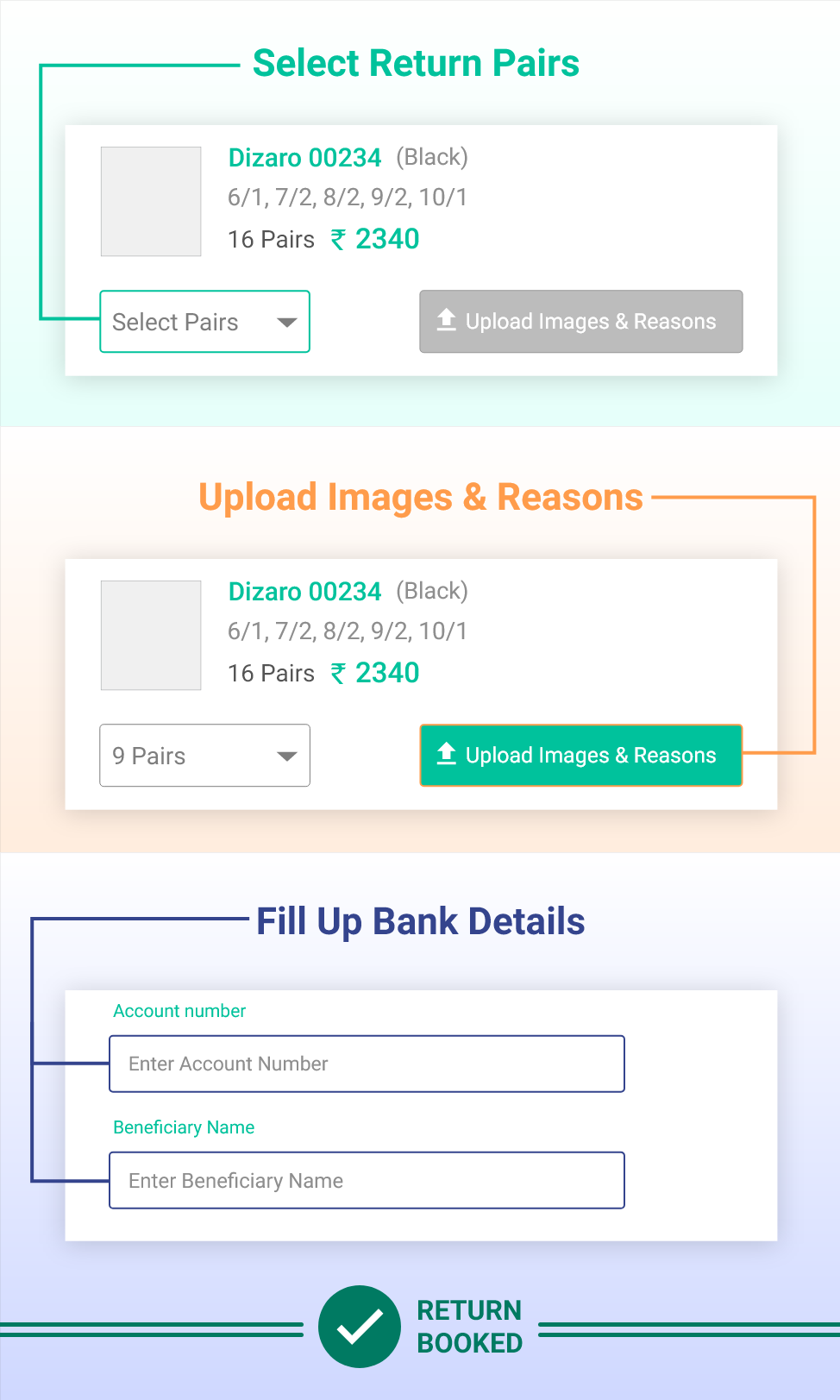
Follow these steps in your order details to book a return. The screens shown are illustrative; your app may look different.
- 01
Select return pairs
Open the order, choose the pairs you want to return, and continue.
- 02
Upload photos and reasons
Add clear images and select the reason for each return.
- 03
Confirm the return
Enter bank details if asked, then submit your return request.
See the full walkthrough
Need help with a return? Contact Zorit.